






Features
Everything you need to manage your screens is in the web admin. This is how it looks.
Schedule every ad
For every image or video you set publishing dates, display time and time slots with days of the week. The morning offer runs only on weekdays until 11:00. Without slots, an ad plays all day.
Broadcast locations
A broadcast location is the programme for the screens in one spot, such as a café or a shop window. It has its own code, landscape or portrait orientation and its own list of ads. One place can play on several screens at once.
Device overview
For every screen you see which broadcast location it belongs to, its app version and when it was last online. You know straight away which one is switched off.
Different content on every screen
You group your screens into broadcast locations, for example the lobby, the canteen or the shop floor. Each location has its own programme, so every screen shows what belongs there.
- You connect a screen to a location with its five-character code.
- One location can broadcast to several screens at once.
- There is no limit on the number of broadcast locations.
Emergency mode
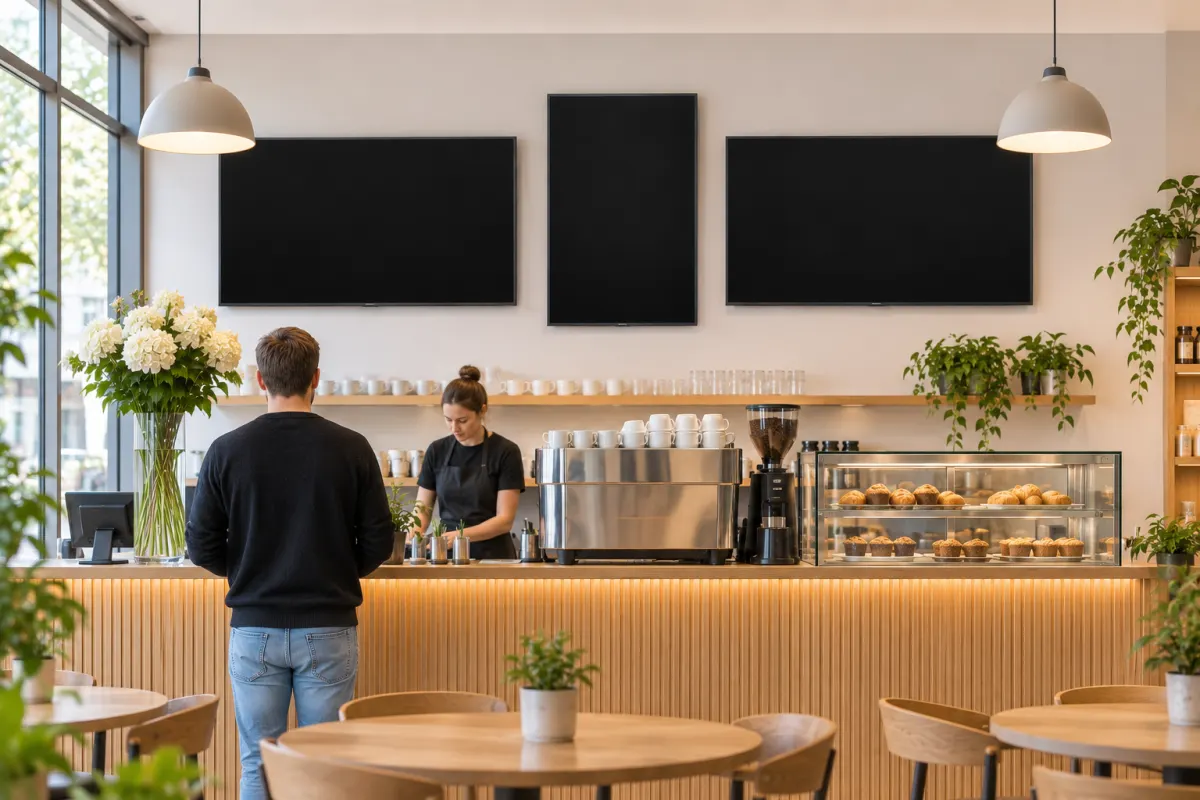
In a fire, evacuation or other emergency, you switch your screens from the regular programme to an emergency notice. Try it out.
- For each broadcast location you upload an emergency banner or write an emergency message.
- You turn emergency mode on at one location or at all locations at once.
- While it is on, the screens show only the emergency notice instead of ads.
IRVYS does not replace certified fire alarm and evacuation systems.
The screen is showing the regular programme
And also
- Unlimited broadcast locations
- Connect a screen with a 5-character code
- Images and videos: PNG, JPG, GIF, MP4 and WebM
- Landscape and portrait screens
- Changes show up on screens immediately
- Maintenance and support from Datawell
Start IRVYS on your screens
Sign up in the Datawell shop, or write to us if you'd like help choosing screens.